
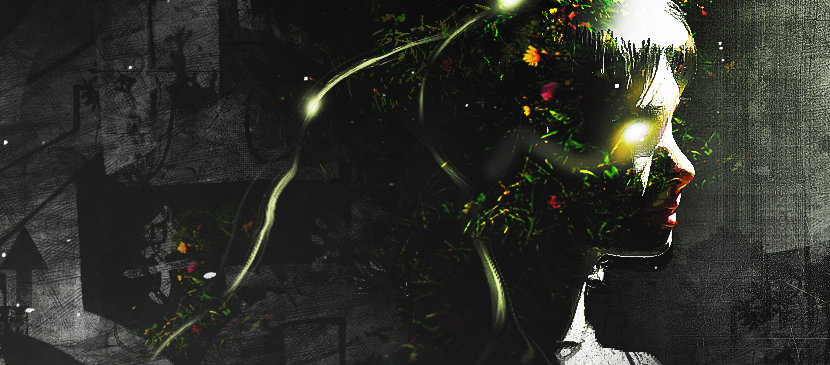
In this tutorial, it will show you the process of creating this create an intriguing manipulation by adding Grungy Effects and Greens into an Image in Photoshop. This will be an interesting experiment for you to use tools such as image adjustment layers and layer blending modes, as well as practice the use of liquify filter and brush tool.
中文: 暂无 中文 翻译。查看英文版 — showing the original English article below.
Applying Grungy Effects and Green Elements into an Image
中文
Photoshop Lady 精选内容
专业指南、评测和技巧直接送达您的收件箱。无垃圾邮件,随时退订。