
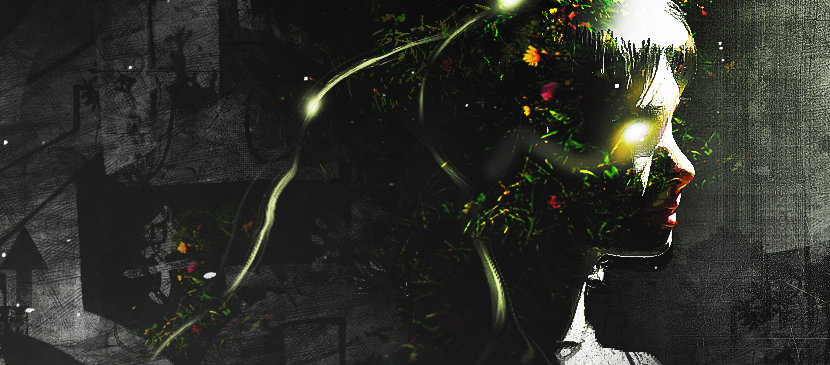
In this tutorial, it will show you the process of creating this create an intriguing manipulation by adding Grungy Effects and Greens into an Image in Photoshop. This will be an interesting experiment for you to use tools such as image adjustment layers and layer blending modes, as well as practice the use of liquify filter and brush tool.
العربية: لا توجد ترجمات متاحة بعد بـالعربية.عرض بالإنجليزية — showing the original English article below.
Applying Grungy Effects and Green Elements into an Image
العربية
أفضل ما في Photoshop Lady
أدلة ومراجعات ونصائح متخصصة مباشرة إلى بريدك الإلكتروني. بدون رسائل مزعجة، يمكنك إلغاء الاشتراك في أي وقت.