
Featured tutorialUpdated · Mar 16, 2026
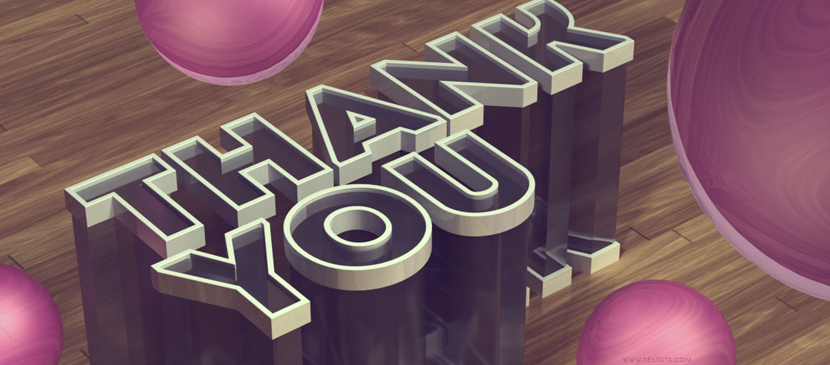
Awesome 3D Effect in Photoshop
This tutorial will explain how to use Photoshop CS6′s new Shape and 3D capabilities to create a polished sleek acrylic/plastic/glass text effect. Then, the coloring will be modified using two adjustment layers.
Intermediate⏱ 1 minPhotoshop Tutorial
- Category
- Photoshop Tutorial
- Reading time
- 1 min
- Published
- Mar 16
before → afterPhotoshop Tutorial
4,247
tutorials
since 2008
since 2008
Photoshop Tutorial
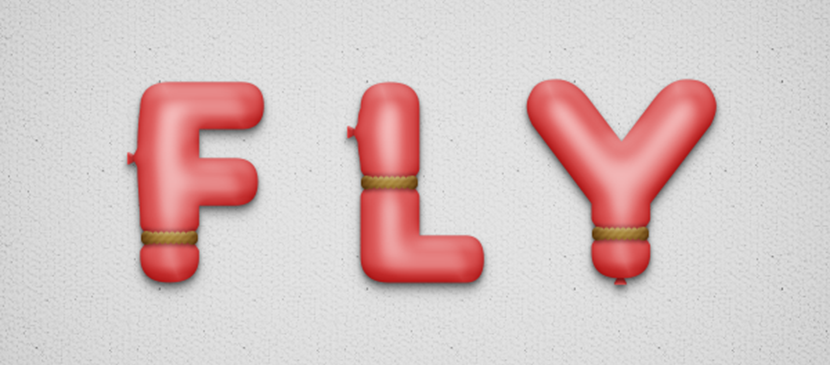
Learn to Create a Balloon Text Effect in Photoshop

Photoshop Tutorial
Apply a Neon Light Effect on Text
Photoshop Tutorial
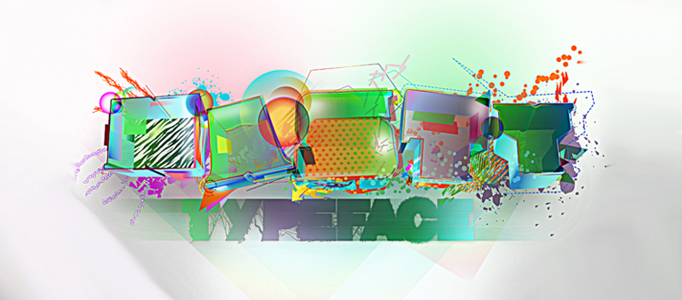
Extremely Colorful 3D Text Effect in Photoshop

Photoshop Tutorial
Tutorial for pixel text

Photoshop Tutorial
Super Grungy Metallic Text Effect in Photoshop

Photoshop Tutorial
Create an Elegant Text Effect in Purple
Photoshop Tutorial
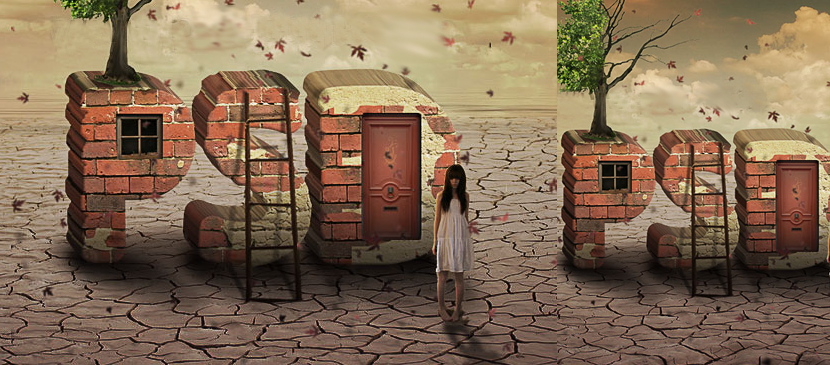
Creation of Brick Effect for Text
Photoshop Tutorial
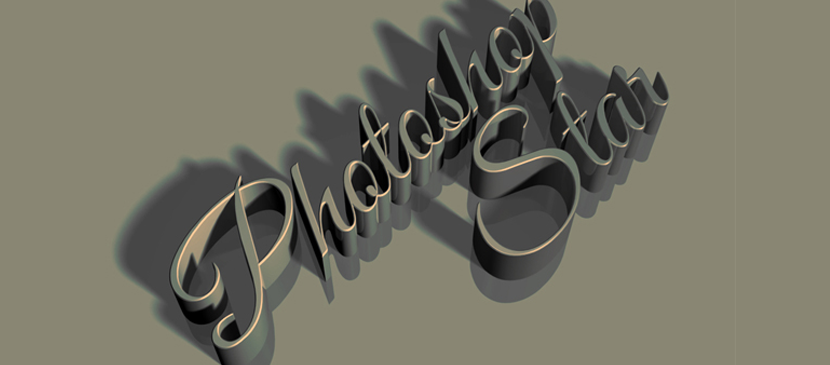
How to Make an Elegant 3D Text Art

Photoshop Tutorial
Shining Golden Text Effect Creation

Photoshop Tutorial
Text Effect - Fire Hell in Photoshop
Photoshop Tutorial
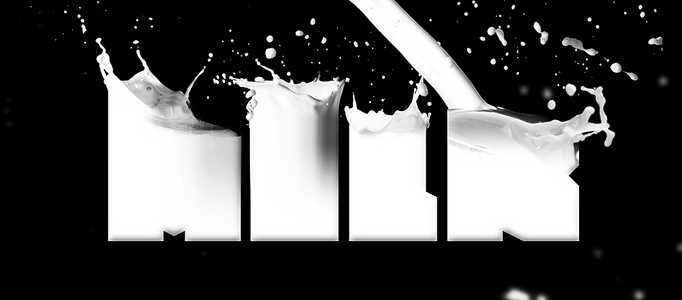
Amazing Milk Typography Effect in Photoshop
Newsletter
One tutorial. Every Sunday. That's it.
No roundups, no sponsorships shoved in your face. Just one carefully-chosen effect with the technique breakdown. Straight from the 4,247-tutorial archive.