
Featured tutorialUpdated · Mar 14, 2026
Create a Dead City in Photoshop
Simple photo manipulation can allow you to work on different image combinations. As long as you know tactics to cut & paste the images, and mix colors for different photos, then you can create whatever scenery you want.
Intermediate⏱ 1 minPhotoshop Tutorial
- Category
- Photoshop Tutorial
- Reading time
- 1 min
- Published
- Mar 14
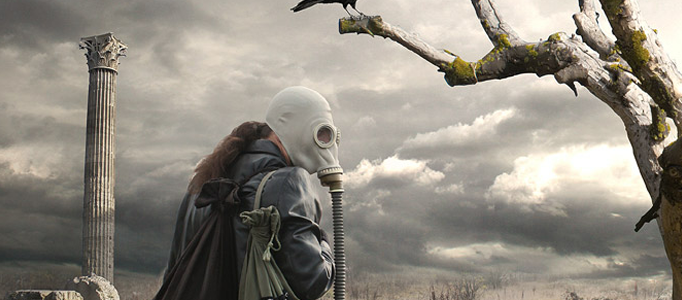
before → afterPhotoshop Tutorial
4,247
tutorials
since 2008
since 2008
Photoshop Tutorial
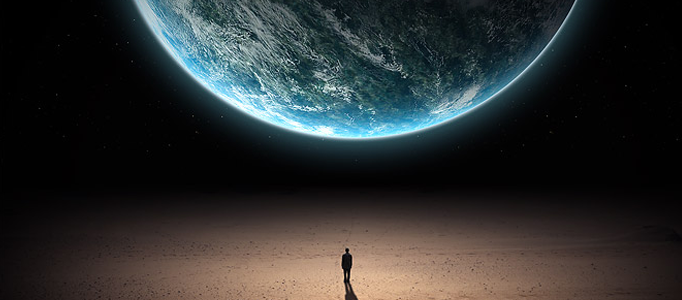
Photo Manipulation - a Man facing a Planet
Photoshop Tutorial
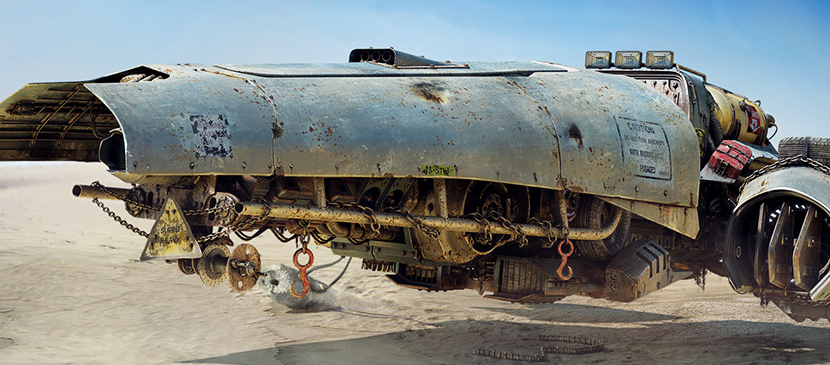
Making a Realistic Spaceship using Photoshop

Photoshop Tutorial
Making a Super Sports Poster
Photoshop Tutorial
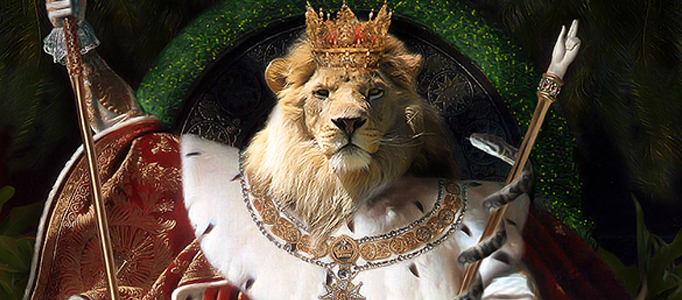
Photo Manipulation Tutorial - Create a Realistic Lion King

Photoshop Tutorial
Manipulating a WW2 Fighter Aircraft
Photoshop Tutorial
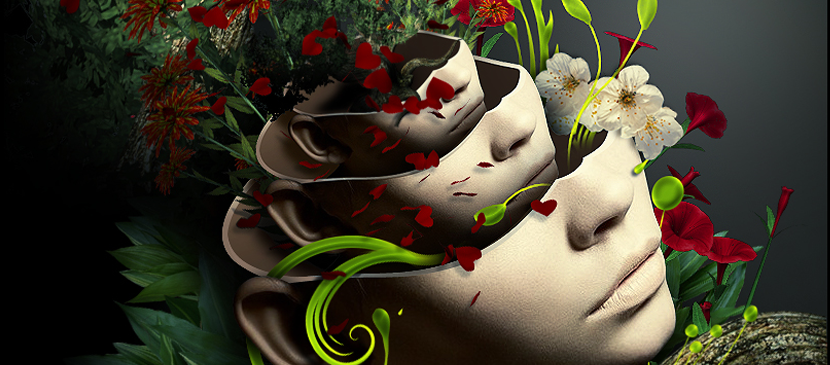
Create a Surreal Artwork of Layered Heads
Photoshop Tutorial
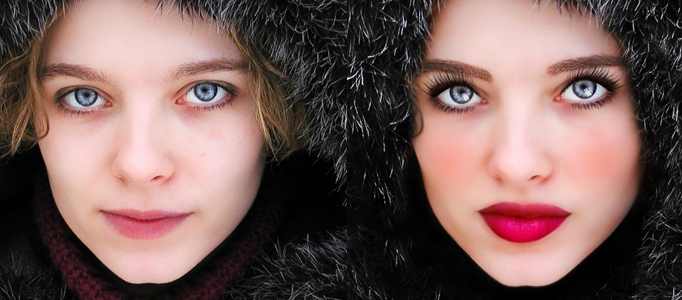
Charming Make-up for a Lady Image
Photoshop Tutorial
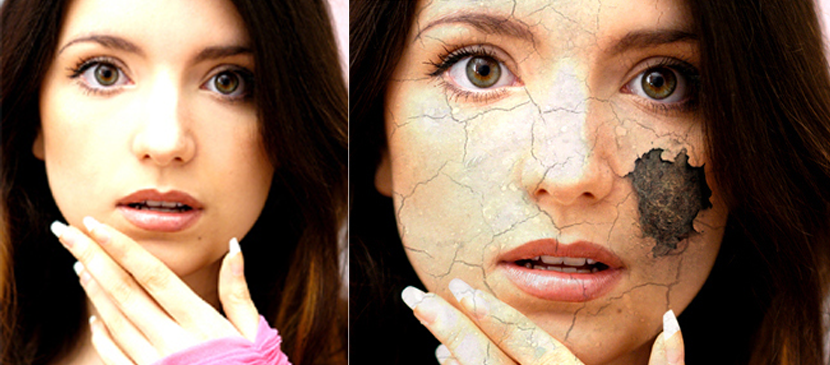
Simply Apply Cracking Effect to your Image

Photoshop Tutorial
Making Surreal Artwork for a Fighter
Photoshop Tutorial
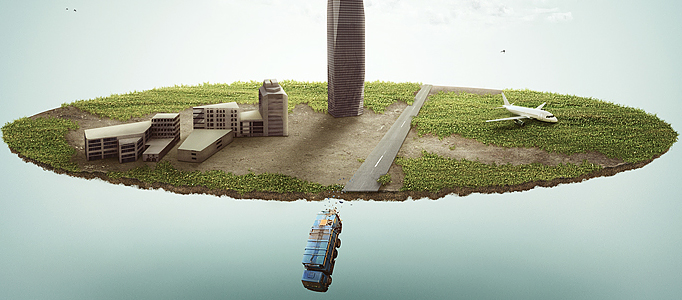
Create a Trunk Dropping on a Wonderland

Photo Effect
How to Use Photoshop to Create Professionally Looking Logos
Newsletter
One tutorial. Every Sunday. That's it.
No roundups, no sponsorships shoved in your face. Just one carefully-chosen effect with the technique breakdown. Straight from the 4,247-tutorial archive.