
Photoshop Lady
Your Favourite Photoshop Tutorials in One Place
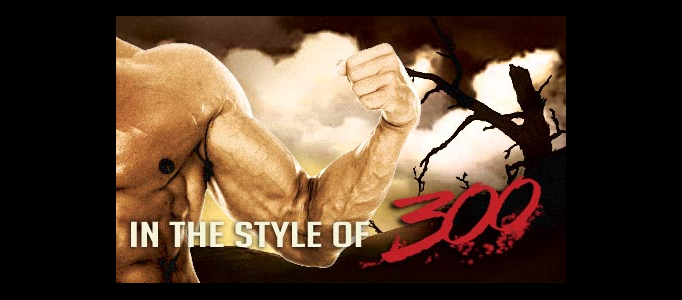
Visual effects in the style of 300
Under Photo Effect, Photoshop Tutorial
Here’s a little Photoshop guide to mimic the 300 style. The effects could also be applied to video in After Effects with a similar setup. Obviously there was a lot more in the compositing of each scene in 300, but I think this presents the basic elements. You can see the layering in an actual 300 shot on this page of the VFX article in this tutorial.
Create a Wonderfully Coloring Effect
There are various ways to beautify and improve your image. This wonderfully coloring effect has mixed quite a few of photoshop effects together such as lighting and coloring.
A Colorful Universe Background for an Image
It is no need to create a complicate background for your image. This simple colorful background is suitable for lots of different image style. You can adjust the color to suit for your image.
Memorial Style Picture Transformation
Some memorial images need to have memorial effect. When you have some pictures from long time ago, you want them in a memorial style. You can use this tutorial’s idea to transform them into an old style.
Create a Romantic Colourful Night Scenery
Many of you would like to have a dramatic night scene for your picture. It is difficult to capture such nice scene out door. In this connection, this tutorial will teach you to create a romantic night scene for your picture.
Skills for Merging of Different Natural Environments
To merge different environments together, it is necessary to fuse the images by adjusting the lighting and colors. If you are not familiar with this, you can initiate using some objects with similar backgrounds.
Create a Mysterious Hollow Scene in Photoshop
This tutorial is going to show you to create a mysterious hollow scene. You may wonder how to create the movie or poster with such extraordinary scenes. This is not difficult, as long as you pick the right images or photos to start to. At the end, you just need to add some techniques to make it to be more realistic.
Apply a Special Lighting Effect for an Image
To enhance the motion of an image, you can add some lighting effects with various of symbols which can increase the attractiveness of the picture. The symbols have to be added on right positions as this tutorial.
Create a Magician Lightning Scenery
Using Photoshop, you can create whatever imaginative scenery. It usually does not require hi-techniques. Creating some simple lightenings on columns can be very special like playing magic.


