
Photoshop Lady
Your Favourite Photoshop Tutorials in One Place
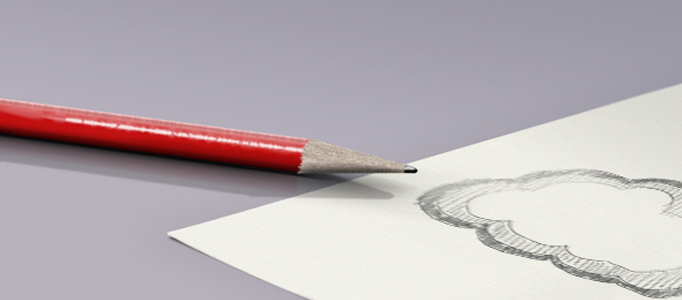
Produce a Fantastically 3D Colorful Pencil
Under 3D Effect, Photoshop Tutorial
o create 3D object, elements such as reflection and shadow effects are very substantial. Without any of these, the object would become less attractive. However, to create such elements usually take quite a while. Here are some techniques for your reference and practise.
Create a Nice 3D Ball
If you want to learn to create 3D image, you better start with the simple shape first. 3D cube and ball would be simple enough to start with. It is good to add some gradient color to finalize your design works.
3D Pixel Stretch Effects
In this tutorial, you will learn a good 3D effect which can also apply to lots of areas. Stretching a single line of pixels is an easy way to create special digital effects in graphic design. By taking this technique a step further, you can create elegant image, drawing, or pattern as you like.
Make a Real Planet
To complete this tutorial, you’ll need this image for a texture, so save it in a safe spot. Our embossing is a little blatant, however. Planetary details need to be subtle to work with the right sense of scale, so make our “highlights” layer about 50% opaque.
Create a Scientific 3D Human Model
To create something shocked, you may need to spend a little bit more time to work on varies software in order to work out a special artworks. 3D models for human or animal, you may find it difficult and take quite a while to do these with only using photoshop. To overcome such a problem, you can use different software to prepare first.
Realistic Decorated Wine Bottle Illustration
In this tutorial, it will demonstrate you how to create a realistic bottle. Some shadow, reflection and cutting techniques are substantial to make this. Here it will guide you initiated with a pen tool to draw a bottle. In order to make the bottle more realistic, the steps of bottle reflection will be deeply described.
MacBook Air
This tutorial will contain 20 steps and explain how to make the MacBook Air ad.
Digital Painting – My World
Outstanding illustrations are filled with creativity, plan well before you start on your draft. Know what you want to convey to your audience through the picture, your ideas, concept, color, worldview. Adjusting of colors was done in Photoshop because Painter’s color contrasts are lighter.
Create a Christmas Card – Awesome Snowman in Night Scene
In this tutorial, it is going to present you how to make a nice Christmas card called Awesome Snowman in Night Scene. It is very nice, as it is not difficult to create. The snowman is just made by 2 simple 3D balls. Let’s design a Christmas card for your family. Merry Christmas!


