
Photoshop Lady
Your Favourite Photoshop Tutorials in One Place
Instant Photo To Oil Painting Action
Under Photo Effect, Photoshop Tutorial
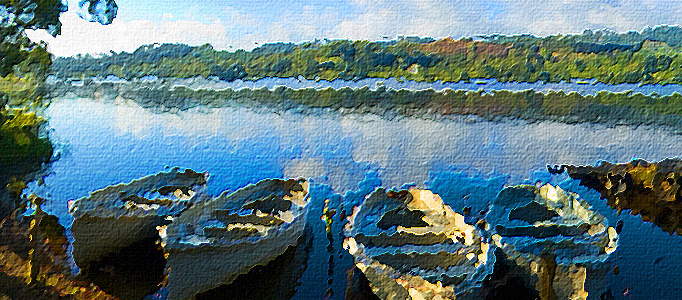
In this Adobe Photoshop tutorial, you will learn how to take a photo and make it look like an oil painting, which is a popular and fun thing to do with Photoshop. At the final, “Instant Photo To Oil Painting” effect is now complete, which means Photoshop to stop recording the action.
Orange Porsche with Fruit Skin
In this tutorial, it will show you how to re-decorate the Posche with fruit skin. This time, orange skin is used for making the skin. Then use the color adjustment plus other special effect to complete this tutorial.
Techniques of Making a Panda Artwork
Photoshop is very often the tool of choice for photo retouching, but over time it has become a widely used tool in other professional fields such as illustration, conceptual art, graphic design, web design. Therefore, it is a multi-use program that can help a lot to develop our creative work.
Creating a Highly Detailed Steampunk Insect
In this tutorial, it is going to walk through my process for creating a photo-realistic steampunk style insect. This tutorial is surprisingly easy, you just need to have a basic understanding of selection and blending techniques in Photoshop to make the final image appear as realistic as possible.
Create an Interesting Flower Growing Scenery
If you are a flower lover, you may want to create flower related arts. One way to do that is to make an interesting flower growing in a special object such as light bulbs.
Super Slick Dusky Lighting Effects in Photoshop
One of the best sites around for desktops has to be Desktopography. Inspired by their amazing work today we are going to put together a sunset image mixing some vector shapes and dusky lighting effects. And finally we’re all done, Click the image below for the high-res version of our finished product!
A Castle under a Mysterious Lightning Scene
This is a photos combination tutorial about a castle and natural scene of river. Firstly, you have to prepare two photos to start up. After combination these two pictures, Fog, lightning other color adjustments will be added in order to make it mysterious.
Awesome Photoshop Techniques – Cutting Out Hair
This tutorial will show you a proper technique to cut out an image’s hair. In fact, lots of people may struggle on trimming out fine hairs. In this example it is going to use the common Channel technique to trim out this lovely lady.
Create a Fabulous Scene of Soul for an Image
This time, the tutorial will present to make a fabulous soul for an image. Sometimes, when you would like to create some powerful or extraordinary scene, it is always good to add some of souls behind your presented images.


