Photoshop Lady
Your Favourite Photoshop Tutorials in One Place
Fantasy Art in the Lake
Under Photo Effect, Photoshop Tutorial
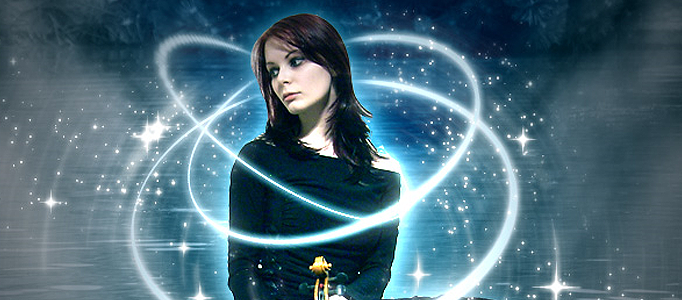
In this tutorial, it will show you how to create some special art on the existing photo. And, here the author give this a name called “Plasma” (Star, not the TV!).

Create an Extraoridinary Universal Lighting Background
Wonderful objects always need to have nice background to match with. Simple and colorful effect can be used for creating various of natural or scientific backgrounds like this one.
Create a Nice Retro Photo and Background
In this tutorial, we are going to take a normal photo and liven it up using some photoshop effects to bring some more retro feelings. After that, we can take the photo and create a nice background. This skill can be also applied to your personal image.
Blue Glow Dreamy Portrait
There are thousands of effects which can apply to the photo. The main purpose is to make it more elegant. And this tutorial, it is going to show you how to adjust your portrait with blue glow effect. The process will involve lots of layer adjustments as well as color tuning skills.
Glass Blasting Effect for 3D Object
When you would like to add some new effects for your image, you can have a go on this glass blasting effect. This is mainly done by adding the texture layer and change it like broken glass. After the colour adjustment, your image is like to be isolated by a layer of glass.
Using Ink Effect to Form a Fantastic Painting
Any picture can be a good source to form a beautiful artwork, as long as you choose a right effect to apply to. This tutorial will show you how to transform a picture into a nice ink painting.
Shattering Photo Manipulation in Photoshop
In this tutorial you will learn how to create a shattered effect in Photoshop.
Dramatic Portrait under an Universe Background
There are various ways to present your portrait. To stand out it, you may spend sometimes to beautify it and choose a special way to present.
Colorfully Lighting Effect for the Sky
This tutorail requires you to have a little basic skills in Photoshop. Using a few of sky photos, you can form a wonderful sky in your chosen colors and shapes.