
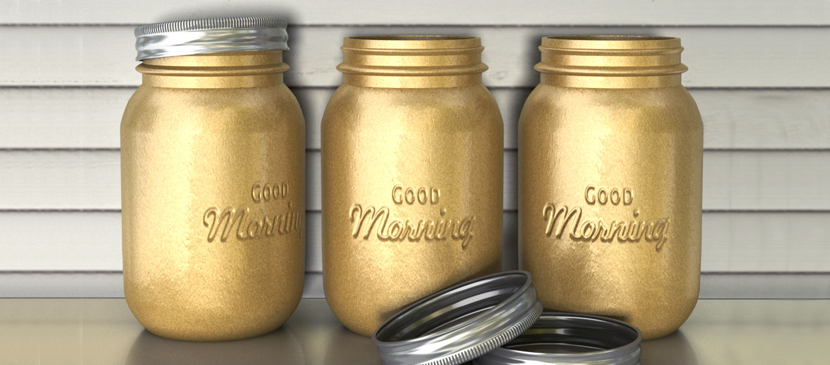
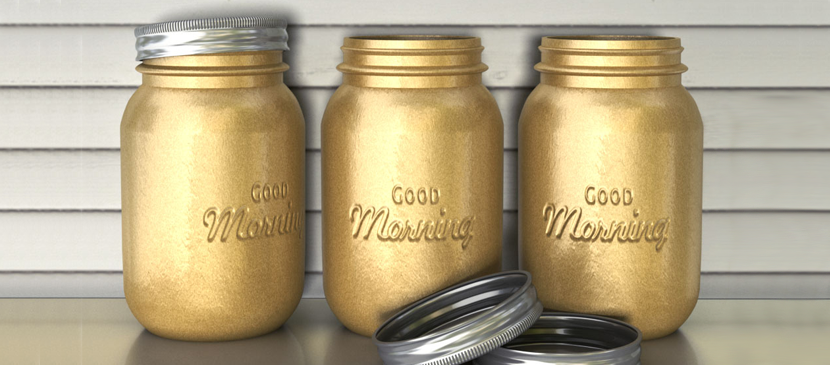
In this tutorial, you will learn how to use Photoshop CC’s 3D capabilities to create a mason jars-inspired jar from scratch. Then, you’ll modify its material Settings to give it a golden metallic spray painted appearance, and add some embossed text on it using Bump maps. You’ll then add the jar(s) created to a simple scene, and modify the final outcome in a couple more steps.
日本語: まだ 日本語 版の翻訳はありません。英語で見る — showing the original English article below.
Making a 3D Golden Text Printed on the Jar
日本語
Photoshop Lady のおすすめ
専門家のガイド、レビュー、ヒントを受信箱にお届けします。スパムなし、いつでも解除可能。