
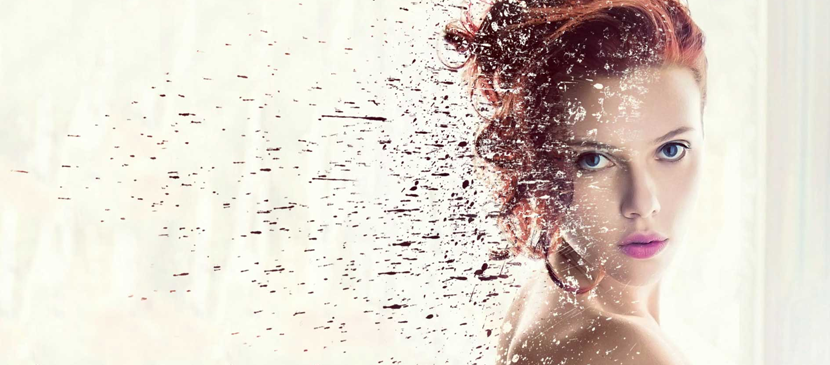
The dispersion effect is relatively straight forward in Photoshop CC but can be tricky to get right. The basic idea is to separate the subject from the background and then create a copy of the subject layer. One of the subject layers is then morphed using the Liquify tool to nearly fill the entire frame.
हिन्दी: अभी हिन्दी में कोई अनुवाद उपलब्ध नहीं है।अंग्रेज़ी में देखें — showing the original English article below.
Dispersion Effect for your Image in Photoshop
हिन्दी

Photoshop Lady का सबसे अच्छा
विशेषज्ञ गाइड, समीक्षाएँ और टिप्स सीधे आपके इनबॉक्स में। कोई स्पैम नहीं, कभी भी सदस्यता रद्द करें।