
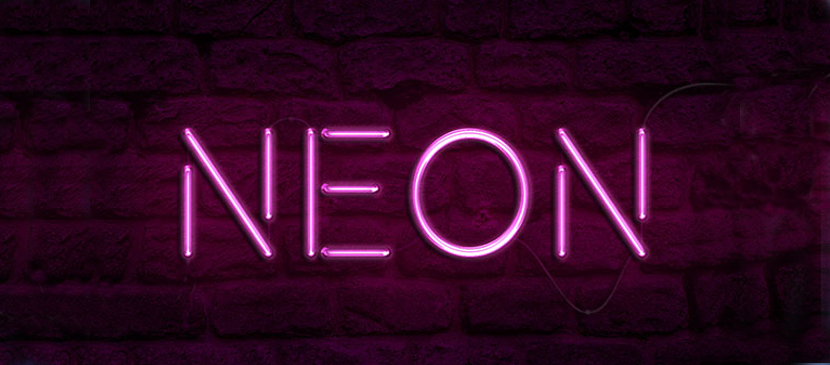
Layering glow and gloss effects can help create nice, shiny objects. This tutorial will show you how to modify a brick texture for the background, and then use layer styles with the Pen Tool to add some bright, glowing neon text and a simple cable over it.
Apply a Neon Light Effect on Text
Español
Lo mejor de Photoshop Lady
Guías expertas, reseñas y consejos directo a tu bandeja de entrada. Sin spam, cancela cuando quieras.