


2008-03-23
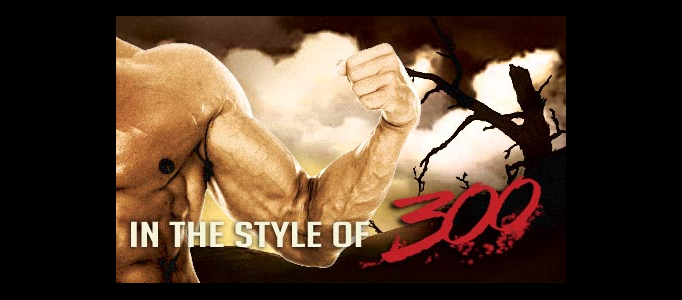
Add to Favourite Here’s a little Photoshop guide to mimic the 300 style. The effects could also be applied to video in After Effects with a similar setup. Obviously there was a lot more in the compositing of each scene in 300, but I think this presents the basic elements. You can see the layering in an actual 300 shot on this page of the VFX article in this tutorial.
In this tutorial I will show you the steps I have used for making the Butterfly in the spring image.
The main tool we will be using is the soft round brush. All the effect are made by changin…
In this tutorial, you’ll learn how to create some custom line brushes, and then apply them to a subject to create a cosmic design. The line brushes, combined with some simple techniques in Photo…
In this tutorial, you will learn how to create an exciting 3D composition using Xara 3D and Photoshop. We will use Photoshop to create an exciting golden background, then integrate the 3D type from…
Learn how to create a nice looking web hosting layout with this easy to follow tutorial.
In this tutorial, you?ll learn how to design a tropical underwater iPhone advertisement, complete with clownfish, starfish, and bubbles. You?ll learn how to isolate a variety of stock images, usin…
This is a listing of all of the new photoshop tutorials recently submitted to Photoshop Lady. We will keep an eye on all submitted tutorials, and will feature the nice ones on the Frontpage of Photoshop Lady too. Please feel free to submit your photoshop tutorials now. it will help us build a better Photoshop Lady for everyone. Thanks!