
Photoshop Lady
Your Favourite Photoshop Tutorials in One Place
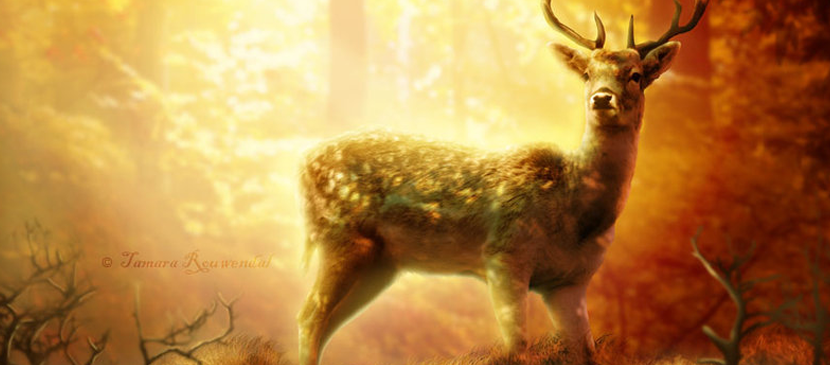
Photo Manipulation for a Wild Animal Scene
Under Photo Effect, Photoshop Tutorial
A step-by-step tutorial on how to manipulate a wild animal scene. Techniques for mixture of different images will be presented. Photomanipulation is a lot about experimenting and practising.
Create an Elegant Lighting Effect Using Photoshop
In this tutorial, it is going to show you how to create a realistic IES (photometric) lighting effect. We are going to use Photoshop CS4 as well as some free plugins and software. You can always apply the same idea to your image and other objects you like.
Amazing Scenery Creation – Ironing the Giraffe’s Skin
How to create a funny scene? even you are not a design expert, you can make one for yourself easily. You can use simple photo manipulation skills to take off the giraffe’s skin for ironing like the human.
Painting with Fire Using Photoshop’s Liquify Filter
Recently I was searching for a way to shape flames and change the direction of fire in a Photoshop composition. After a little experimentation, I discovered that Photoshop’s Liquify Filter handles the task brilliantly.
Making a Nice Underwater Scenery in Photoshop
This tutorial is going to show you to create a nice underwater scenery with a big fish. We will use some basic selection tools and adjustments to achieve a great result.
Creating a Rocking Silhouette in Photoshop
If you’ve ever wanted to shine in the spotlights, try this tutorial. It shows you how to create a silhouette of a person taken from a normal photo, and adding colorful light to it as if the light source is located behind this object.
Create a Fantastically Colorful Background for Images
Lots of passport or ID photos have a blank background, which is too monotonic for some of you. If you would like to improve this, you can add some colorful effect for your image background.
Apply an Mixed-Colorful Effect to an Object
Mix-colourful effect seems not difficult but some special techniques are required. Before applying the color, some of background from other images need to be prepared. That would entirely depend on what style you want to result in.


