
Photoshop Lady
Your Favourite Photoshop Tutorials in One Place
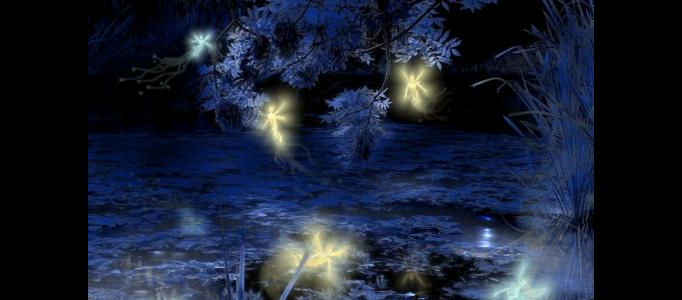
Making of Secret Pond
Under Photo Effect, Photoshop Tutorial
This tutorial will explain how to create the lighting effects in the making of Secret Pond. To begin, you need to prepare a photo. You can finish this tutorial in different way, but this will show you the fast track to accomplish it.
Fabulous Scenery Creation – iphone Underwater
Create a fantastic scenery always requires a high level of photoshop skills to achieve. However, lots of scenes can be done in a easy way. In this tutorial, all the works are mainly done by cut & paste and simple photo effects.
Streams of dusty light Photoshop tutorial
We will use this picture that the Arlington Cemetary is taken for the tutorial. That’s it, you are done.
Create a Garden on the Human Head
In this tutorial, it will basically take you through the process of converting a man’s head into a garden. The first part will be showing you how to prepare the image then add a waterfall coming out of his head with a pool at the bottom, as shown on the thumbnail.
Transform Objects into Great Pencil Sketches using Photoshop
In this tutorial, it will show you how to transform an illustration objects into hand sketch using a picture plus some imaginations, and make it all look like a classic pencil drawing.
Forming a HDR Photo for a Style Street
Few simple scenes can be used to form a nice HDR photo. It is all about photo manipulation. You can simply pick few photos and combine them as one. Following the setting and techniques from this tutorial, you can form your HDR photo.
Create an Imaginative Tree Man
Lots of movies or fiction would turn the dead object or plant to live like human being. This is always a key to turn a normal fiction or movie to be successful. Here this tutorial will show you a common idea of combining a human with a tree to be a tree man.
Amazing Chinese Art Painting Transformation in Photoshop
Chinese painting look very difficult to make, as it requires a lot of techniques and deep knowledge in this. However, in this manipulation photoshop tutorial, you will learn how to transform a normal picture into traditional style Chinese art painting, which has an archaic charm just beyond your photo. Just try to make your personal photos into chinese art painting.
Create an Elegant Lighting Effect Using Photoshop
In this tutorial, it is going to show you how to create a realistic IES (photometric) lighting effect. We are going to use Photoshop CS4 as well as some free plugins and software. You can always apply the same idea to your image and other objects you like.


