
Photoshop Lady
Your Favourite Photoshop Tutorials in One Place
Making a Wonderful Lighting Effect for Posters
Under Photo Effect, Photoshop Tutorial
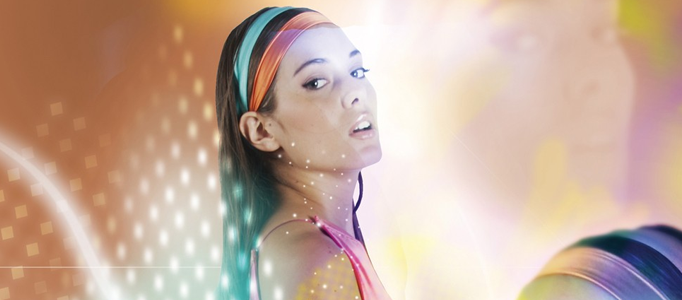
If you find your photos to be too monotony, colorful lighting effect is good to apply. It can easily stand out your image. The color can be adjusted to suit for your clothes and your style.
Adding Nice Multi Coloring Style to your Image
The most direct way to beautify your photo is to use coloring effect to beautify your photo. Multi coloring effect could be easily created and is suitable for any style of objects.
Apply a Colorful lighting Effect for a Lady
To beautify a photo, one of the most direct way is to apply some nice colorful lighting to shine the image. There are different ways to mix the colors and these colors are also adjustable to suit for different image.
Design a Nice Meteor Shower Scene
Many of you may wish to take a look at meteor shower. To capture such a scene, it may be very difficult, as it passes away instantaneously . You may wonder how to create a nice meteor shower scene in a quick way.
Create an Excellent Liquid Effect in Photoshop
To turn a human into a something extraordinary, liquid effect would be a great effect to think of. This tutorial is going to show you how to turn your image into liquefied status like a super hero. Of course, you can apply into whatever object you like.
Adding a Realistic Fire Effect on Natural Scenery
If you are a photo lover, you may want to create some kind of natural effect on your photos. However, there would be limitation such as, you cannot burn something in order to create fire effect for your photo capturing but it can be done by Photoshop effect.
Create a Garden on the Human Head
In this tutorial, it will basically take you through the process of converting a man’s head into a garden. The first part will be showing you how to prepare the image then add a waterfall coming out of his head with a pool at the bottom, as shown on the thumbnail.
Forming a Dead City using Photo Manipulation
This tutorial will teach you how to create a dead city in just a few easy steps. We will use selective desaturation, play with opacity and combine a few layers to match a scene and create a HDR effect.
Design a Stylish Poster for your Image
If you find your image to be too blank and monotony, it is good to add some windy effect for your image. This effect is suitable to be applied on fashion image. No special technique is required, it is mainly used smudge tool.


